
Download Yin-Yang Ping-Pong – desktop widget, interactive ball control, relaxing distraction, visual entertainment, calming gameplay, customizable speed, juiced mode, color randomization, Twitch integration
Overview
Yin-Yang Ping-Pong is a unique desktop widget designed for Android users seeking a blend of visual entertainment and light interactivity. Positioned within the productivity category, the app functions as a calming, low-pressure digital experience that transforms idle screen time into a moment of relaxation. Its core purpose lies in providing users with a simple yet engaging distraction—ideal for moments of mental reset, focus breaks, or ambient background stimulation.
The app is particularly suited for individuals who value minimalism in digital tools but still desire aesthetic and interactive appeal. While not a traditional game, it offers subtle gameplay mechanics that encourage playful engagement without demanding attention or skill. The developer, Joe C.
Jones, appears to focus on creative utility, delivering a tool that prioritizes mood enhancement over performance metrics. Real-world use cases include using the widget during study sessions, work breaks, or as a screen saver alternative. In the broader app ecosystem, Yin-Yang Ping-Pong fills a niche for lightweight, non-intrusive digital experiences that prioritize emotional well-being and visual satisfaction over functionality.
It stands out as a quiet innovation in a market saturated with high-intensity apps and productivity trackers.
Key Features & Functionality
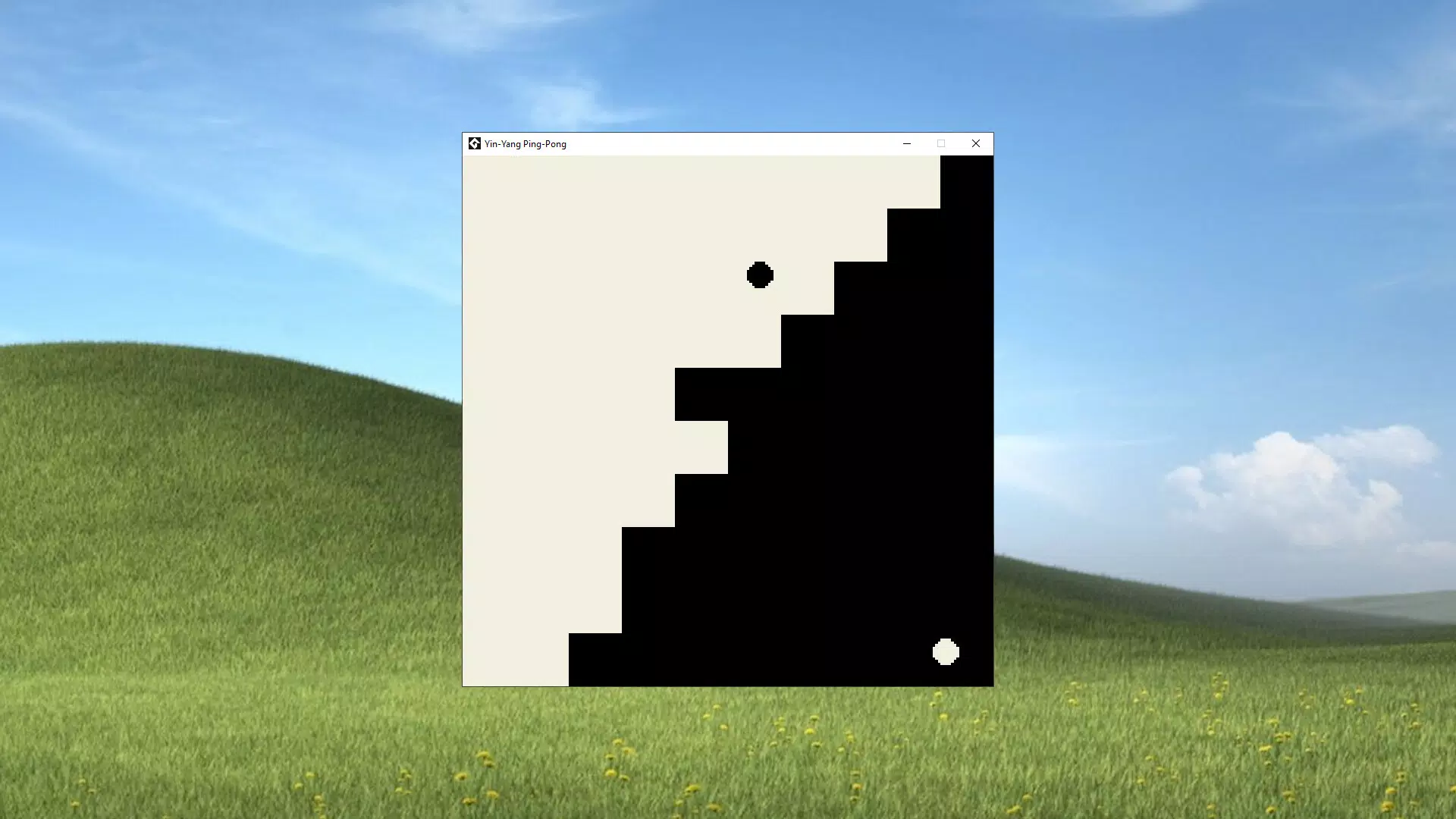
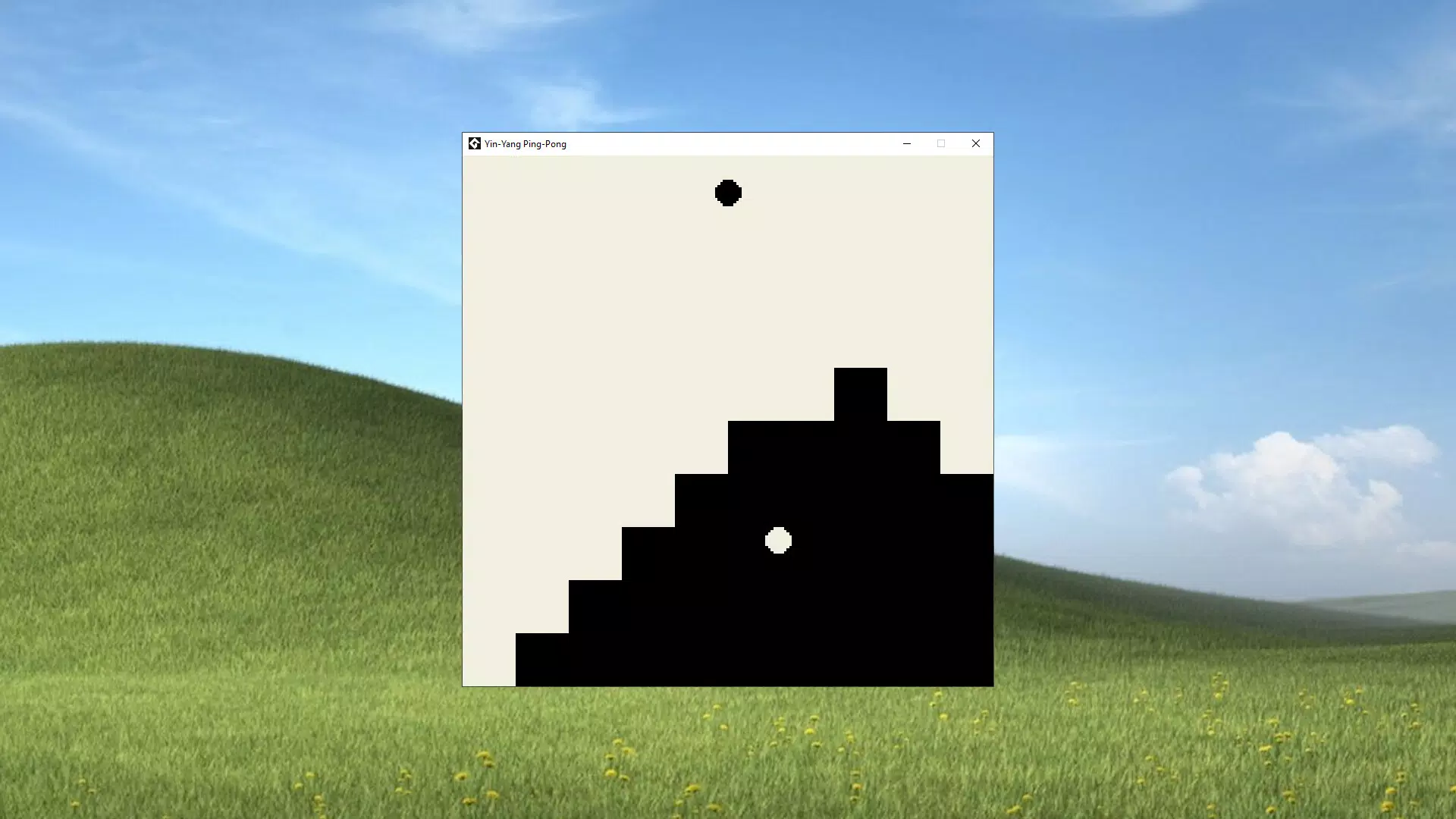
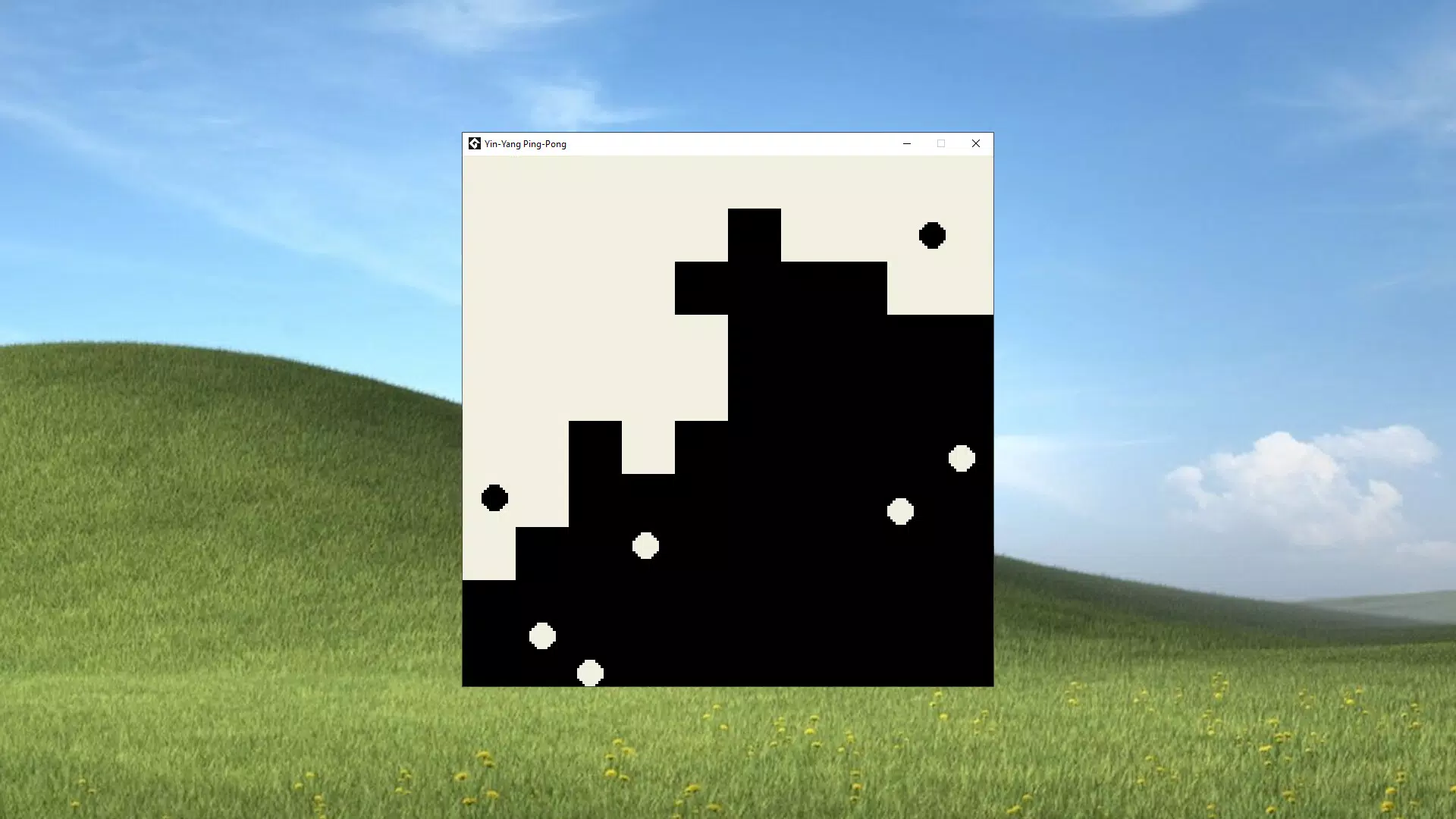
- Interactive Ball Control: Users can add or remove balls from the screen, enabling personalized visual environments. This feature allows for dynamic customization—whether users want a single ball for a meditative effect or multiple balls for energetic motion.
- Adjustable Speed Settings: The ability to increase or decrease ball speed lets users tailor the experience to their current mood, from slow, soothing movements to fast-paced visual stimulation.
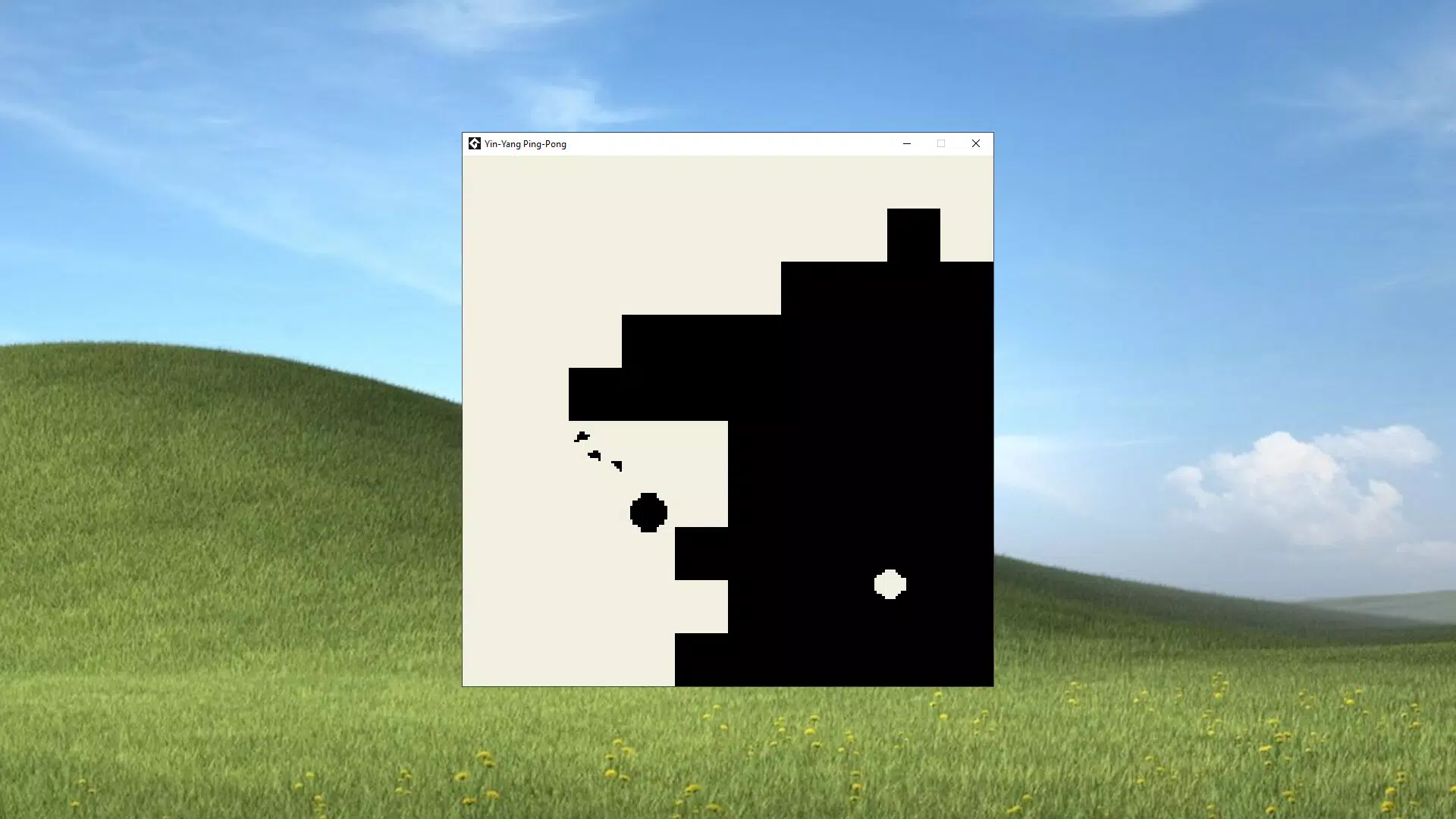
- Juiced Mode: Activating this mode enhances visual effects and increases ball speed, offering a more intense experience ideal for users seeking a burst of energy or heightened interactivity.
- Custom Color Randomization: Available through a supporters pack, this feature introduces unpredictability and visual variety by dynamically changing ball colors, adding an element of surprise and aesthetic refresh.
- Twitch Integration: This functionality enables streamers to involve their audience in real-time interactions, turning the widget into a shared visual experience during live broadcasts.
Each feature is designed to serve a specific emotional or practical purpose. For example, adjusting speed can help users regulate their mental state—slower speeds for focus, faster for energy. The ability to control the number of balls makes the app adaptable for different contexts, such as using a single ball during deep work or multiple balls during a break. Twitch integration transforms the widget into a communal tool, enhancing viewer engagement. These features collectively support a user-centric design philosophy that values flexibility, mood alignment, and creative expression over rigid gameplay structures.
Interface, UX & Performance
The interface of Yin-Yang Ping-Pong is intentionally minimal, emphasizing clarity and visual harmony. The widget presents a clean, uncluttered layout with no intrusive menus or complex navigation. Users interact directly with the balls on-screen, making the experience intuitive and immediate.
The visual style blends soft gradients and balanced symmetry, reflecting the app’s yin-yang theme. Navigation is limited to touch-based interactions—tapping to add or remove balls, and adjusting settings through a compact control panel. This simplicity enhances usability, especially for users unfamiliar with complex app interfaces.
Although the developer did not list formal performance metrics, the app’s lightweight size of 4.2 MB suggests optimized resource usage. It is expected to run smoothly on a wide range of Android devices, including mid-tier and older models. Responsiveness appears to be consistent, with minimal lag during interactions.
Stability is likely maintained through the app’s focus on a single, well-defined function. The overall user experience is calm and deliberate, aligning with the app’s purpose as a relaxing tool. There is no indication of battery drain or background activity, which supports its role as a low-impact utility.
Platform Compatibility & Technical Requirements
Yin-Yang Ping-Pong is available exclusively on the Android platform. The app is compatible with devices running Android OS, though specific version requirements were not listed. The file size is 4.2 MB, indicating a lightweight installation that requires minimal storage space.
The app is currently available in version 1.0.1, suggesting a stable initial release. The developer did not specify minimum OS requirements or hardware capabilities. Compatibility information was not fully disclosed, so users should ensure their device supports Android widgets and background rendering.
The app’s free pricing model makes it accessible to a broad audience, with no in-app purchases or subscriptions required for core functionality. While the supporters pack is mentioned, its exact requirements were not detailed. Users should verify compatibility with their device’s operating system before installation.
Pros and Cons
- Lightweight and fast-loading, ideal for low-resource devices
- Intuitive touch-based interaction with no learning curve
- Customizable speed and ball count for personalized experiences
- Unique integration with Twitch, enhancing viewer engagement for streamers
- Free to download and use with no mandatory in-app purchases
- Specific OS version requirements were not disclosed
- Color randomization and advanced features require a supporters pack
- Limited functionality beyond visual interaction and basic controls
- No offline mode or data sync options mentioned
- May not appeal to users seeking competitive or goal-driven gameplay
FAQ
Is Yin-Yang Ping-Pong safe to install on Android?
Yes, the app is free and available through official Android channels. It does not require excessive permissions and is designed to function as a lightweight desktop widget.
Can I use Yin-Yang Ping-Pong without an internet connection?
Yes, the core functionality operates offline. However, Twitch integration may require an active connection to function.
Does the app support older Android versions?
The developer did not specify minimum OS requirements. It is recommended to check compatibility with your device’s operating system.
Is there a paid version of Yin-Yang Ping-Pong?
The base app is free. Advanced features like color randomization are available through a supporters pack, which may involve a one-time purchase.
How do I install Yin-Yang Ping-Pong on my Android device?
Download the APK from a trusted source, enable installation from unknown sources in your device settings, then tap the file to begin installation.
Final Thoughts
Yin-Yang Ping-Pong excels as a niche tool that redefines what a mobile app can be—simple, soothing, and emotionally resonant. While it lacks the depth of traditional games, its value lies in its ability to provide a moment of calm in a busy digital world. The combination of interactive ball control, adjustable speed, and Twitch integration makes it uniquely suited for both personal relaxation and content creation.
Its minimalist design and low system impact ensure broad accessibility. For users seeking a digital companion that enhances mood without demanding attention, this app delivers a quiet but meaningful experience. The free availability further strengthens its appeal.
If you're looking for a way to add a touch of playful serenity to your screen, Yin-Yang Ping-Pong offers a refreshing alternative. Download Yin-Yang Ping-Pong now.


